
Your windows go back where they were. On their own.
Monitile saves how your windows were arranged across your monitors and puts them back: when you turn the PC on, or the moment you dock your laptop again. Without reopening what is already running.
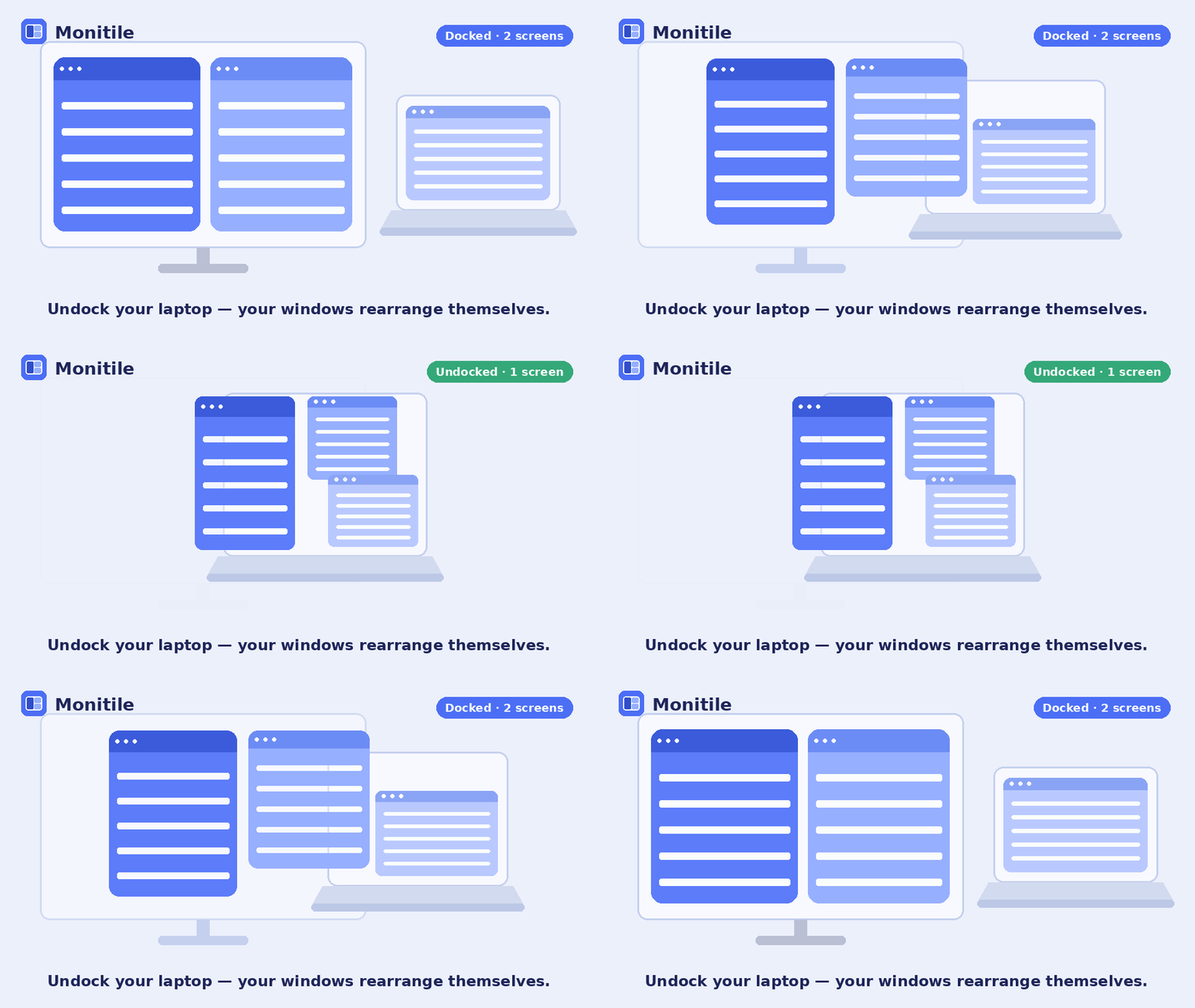
If you use a laptop with a dock — the layout changes by itself
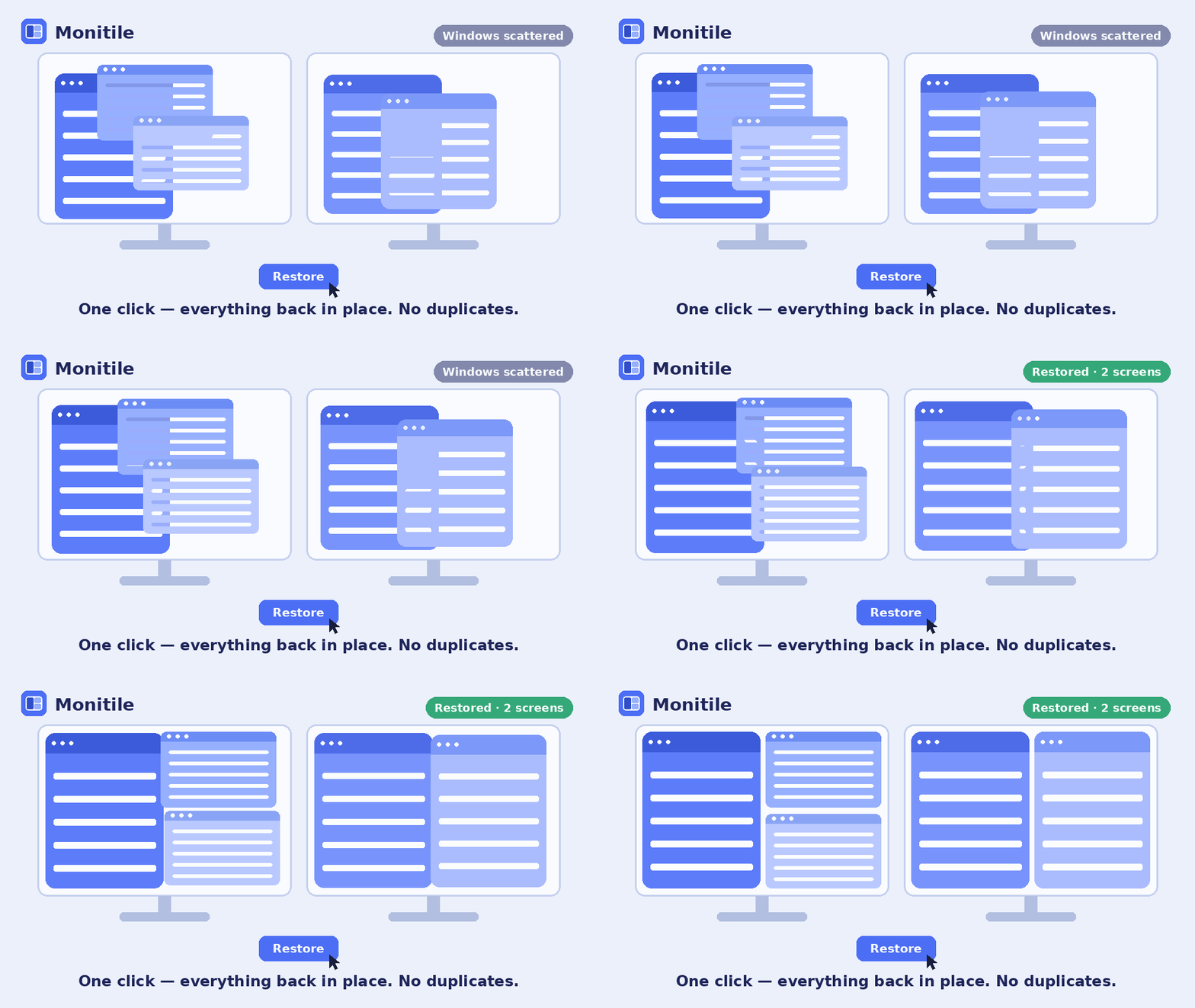
If you use a desktop with two monitors — one click and everything is back in place
Three things that change your day
Not yet another window manager. It does a few things, and it does them without you having to remember.
Reuses what is already open
If Chrome is already running, Monitile moves it instead of opening a second copy. No duplicate windows, no second session to close by hand.
Picks up where you left off
Mark one session as active and you get it back, fully arranged, every time you start the PC — nothing to open, nothing to click.
Follows your monitors Pro
Monitile recognises which screen setup you are on. Change desk, undock, plug in a monitor while travelling: the right layout arrives by itself.
What it looks like
One window: your sessions on the left, the captured windows on the right. Light or dark theme, English or Italian. It opens from the tray icon.

What about PowerToys Workspaces?
It is free, it is made by Microsoft and it is a good tool: if it covers your needs, use it. Monitile exists for what it does not do: starting on its own when you sign in, and putting windows back when the monitors change. Here is the comparison, plainly.
| PowerToys Workspaces | Monitile | |
|---|---|---|
| Launches apps and positions windows | Yes | Yes |
| Moves already-open windows instead of opening duplicates | Yes, with an option | Yes |
| Automatic restore at startup | No | Yes |
| Reacts on its own when the monitor setup changes | No | Yes |
| Picks the right session for the screens you have | No | Yes · Pro |
| Keeps the session up to date continuously | No | Yes · Pro |
| Price | Free | Free · Pro €3.99 + VAT |
Pricing
The basics stay free forever. Pro is paid once.
Free
Everything essential, with no time limit.
- Capture and restore sessions
- Reuse of already-open windows
- Automatic restore at startup
- Puts the layout back when monitors change
- Unlimited sessions
Pro
One-time payment, not a subscription.
The first 14 days come with the download: no card, no sign-up.
Price excludes VAT: the checkout adds your country's VAT, where it applies.
- Everything in the free version
- Picks the right session for the monitors you plug in
- Global shortcuts Ctrl+Alt+1…9
- Continuous capture of the active session
- Updates included
Monitile is built by one person. The €3.99 pays for the time it takes to keep it working with each new Windows release and to answer the people who write in. No subscription, no account, no ads.
It does not know what you were working on. By design.
Monitile looks at your windows, so you deserve to know what it does with them. It does not record the arguments programs were started with. It has no idea which document you had open, which address, or which folder — because it never writes any of that down.
That is also why it cannot reopen the exact File Explorer folder: it simply does not hold that information. The limitation and the guarantee are the same fact.
For each window it saves the program, the monitor, the position and the window title,
which is what tells apart several windows of the same program. That is all, and it all
stays on your disk under %LOCALAPPDATA%\Monitile: no account, no analytics,
no connection. Monitile works the same way offline, Pro licence included.
Frequently asked questions
Do I need an account?
No. There is no sign-up and no login. Download it, open it, it works.
Can I try the Pro features before buying?
They are already on: from first launch you get fourteen days of full Pro, with no credit card and no sign-up. When it ends nothing locks up — the app keeps working in its free version, with capture, restore and automatic startup.
Is Pro a subscription?
No: you pay once and it stays yours, updates included. Nothing renews automatically.
Does it work with more than two monitors?
Yes, with any number of screens, including different resolutions and scaling factors.
On how many computers can I use one licence?
On every computer you use yourself: the laptop, the desktop, the one at the office. We do not count devices. The only thing we ask is that you do not share the key with other people — one licence each. Details in the licence terms.
I bought Pro but the email never arrived
Check your spam folder — licence emails often land there. If it is not there, write to info@monitile.app with the address you used at checkout and we will send it again.